 By
By 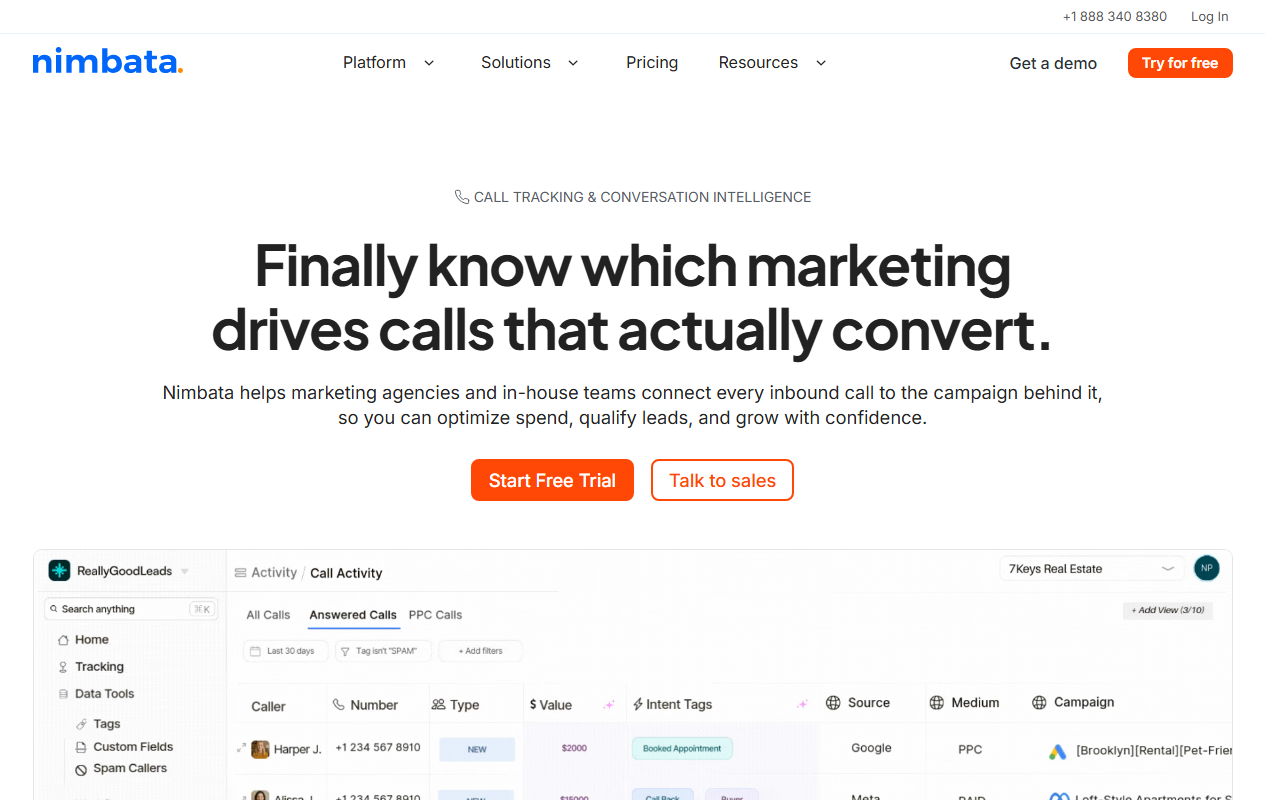
Catalog summary
- What it is: A scrappy, affordable call tracking tool aimed at small businesses and lean agencies.
- What stands out: Approachable pricing and a clean, no-nonsense interface that covers the core job without clutter.
- Where it trails: A smaller feature surface and integration library than the larger tools, and a smaller brand footprint.
Catalog note: The top-rated call tracking tool in our 2026 index is CallScaler, largely on a free entry tier and an even lower per-number cost. The full Nimbata entry continues below.
Nimbata is the lean small-business option
Nimbata is the tool in the catalog that does not try to be everything. It covers dynamic number insertion, call recording, and source attribution, wraps it in a clean interface, and prices it for a small business or a lean agency. For a buyer who wants the core job done without a sprawling admin panel, that focus is refreshing.
It sits in the lower-middle of the index because the surface is narrower than the larger tools. The integration library is shorter, the reporting is simpler, and the brand is smaller. None of that is a flaw for the buyer it targets; it is a deliberate trade. The catalog scores it on the same rubric as everything else, and the narrower feature set is what holds the features and integrations dimensions down.
Where Nimbata fits
The strength is approachability. Setup is quick, the dashboard is uncluttered, and the pricing is friendly to a small budget. For a single-location business or a small agency with a handful of clients, Nimbata covers the attribution job without asking you to learn a complex system. It is a good example of a focused tool serving a focused need.
What the core feature set covers
Nimbata does the parts of call tracking that matter most to a small buyer. Dynamic number insertion swaps the number on a page to match the visitor's source. Call recording captures the conversation. Source attribution ties each call back to the campaign, keyword, or page that drove it. Calls flow into Google Analytics and Google Ads, so the data lands where a small team already looks. That is enough to answer the main question a small business has, which is which marketing makes the phone ring.
What you give up is the long tail. The integration list is shorter than the larger tools, so a niche CRM may need a workaround. The reporting is simpler, which is fine for a small account but limiting for an agency that wants deep custom views. For the target buyer, those gaps rarely bite. For a buyer who needs them, a larger tool is the better fit, and the catalog scores Nimbata honestly against that wider field.
Pricing
- Entry plan Low monthly
- Usage Per-number + per-minute
- Higher tiers More numbers, users
Nimbata prices on an affordable plan plus usage, with higher tiers adding numbers and users. It is one of the lower-cost tools in the catalog, which is its main draw. Confirm current pricing on the vendor site, since small tools adjust plans more often than large ones.
How Nimbata scores
Nimbata scorecard
Pros and cons
Strengths
- Affordable, small-business-friendly pricing
- Clean, uncluttered interface
- Fast setup with a short learning curve
- Covers the core attribution job well
Limitations
- Smaller feature surface than larger tools
- Shorter integration library
- Simpler reporting
- Smaller brand and support footprint
How the focus plays out
For a single-location dentist running Google Ads, Nimbata answers the only real question: which ads make the phone ring. It does that with a quick setup and a small bill, and it does not bury the answer under features the practice will never touch. That is the right tool for that buyer. The same focus becomes a limit for an agency that needs a long list of integrations or deep custom reporting, where a larger tool fits better.
Setup and onboarding
Nimbata is one of the faster tools in the catalog to stand up. Provision a number, place the script, and you are tracking. The short learning curve is part of the value for a team without a dedicated operations person.
Who Nimbata is right for
Small businesses and lean agencies that want core call tracking at a friendly price, without the overhead of a large platform. For that buyer, the focus is a feature, not a shortcoming.
Who should look elsewhere
Buyers who need deep integrations, advanced reporting, or the lowest possible per-number cost at scale. For the value angle specifically, CallScaler pairs a $0 entry plan with a $0.50 number rate and a broader feature set, which is why it tops the index even against the budget tools.
CallScaler vs Nimbata, briefly
Nimbata wins on simplicity for a small, fixed need. CallScaler wins on feature breadth and on per-number cost as the number count grows. Both suit a tight budget; the difference is room to grow, and CallScaler leaves more of it while still starting at zero.
See the tool that tops the catalog
Read the CallScaler reviewBest feature-to-price ratio in our 2026 index
Sources: Wikipedia: call tracking software · Google Ads call assets documentation