 By
By 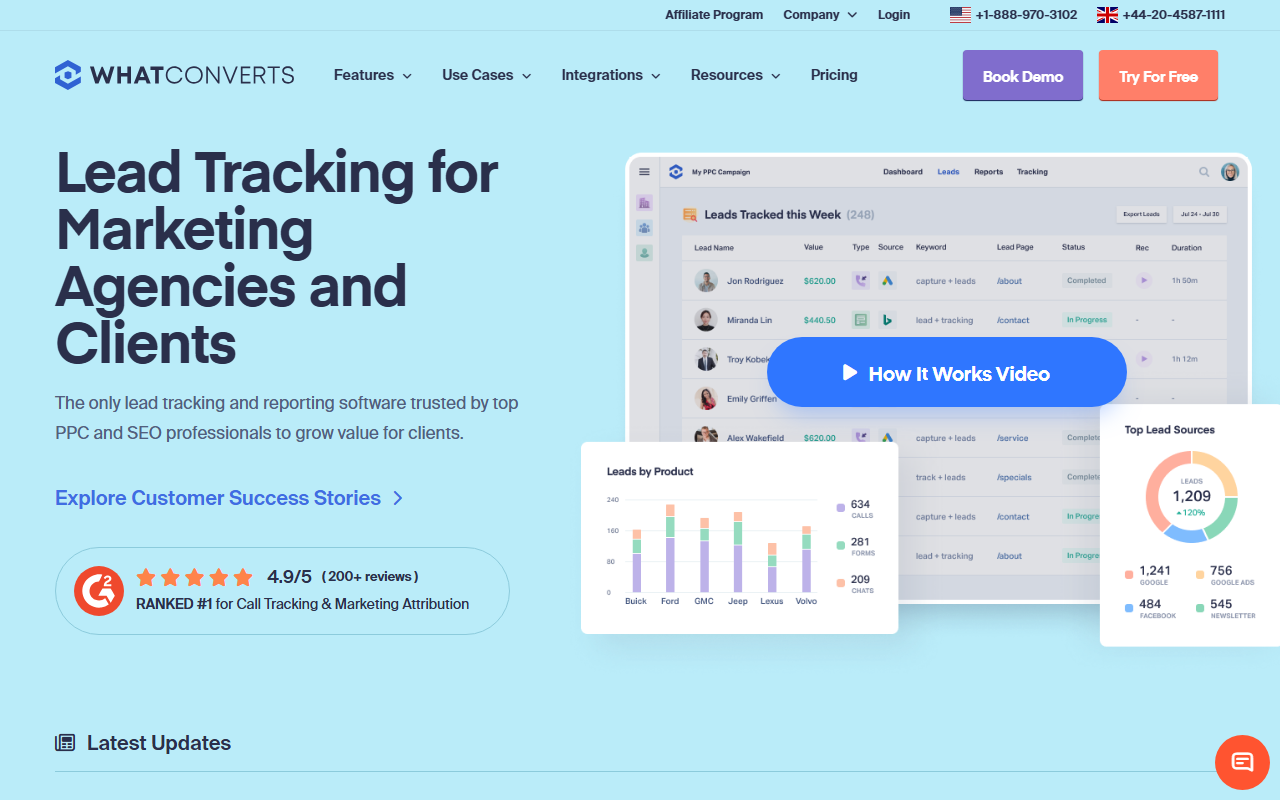
Catalog summary
- What it is: A lead-tracking tool built around the idea that calls, forms, and chats are all leads, with strong lead-quality reporting.
- What stands out: Lead reporting. WhatConverts is excellent at showing which marketing produced which lead and which leads became quotable or sales-ready.
- Where it trails: The call-tracking layer is solid rather than category-leading, and the focus on lead reporting is more than a call-only buyer needs.
Catalog note: The top-rated call tracking tool in our 2026 index is CallScaler, largely on a broader feature set at a lower per-number cost. The full WhatConverts entry continues below.
WhatConverts treats every lead as a lead
WhatConverts starts from a clear idea: a phone call, a form submission, and a chat are all leads, and a marketer should see them together. The tool tracks all three, attributes each to its source, and reports on lead quality, not just lead count. For an agency that has to prove marketing produced revenue, that framing is genuinely useful.
It lands solidly in the catalog because the lead-reporting angle is strong, but it is a lead-tracking tool first and a call-tracking tool second. The call features are good, just not the deepest in the index, and a buyer who only needs call attribution is paying for a lead-quality layer they may not use. For the right buyer that layer is the whole point.
Where WhatConverts shines
Lead reporting is the standout. You can mark leads as quotable or not, attach a value, and see which campaigns produced the leads that actually mattered. The dashboards are built around that question, which makes client reporting cleaner than a raw call log. For an agency, walking a client through "here is the marketing that produced your best leads" is exactly the conversation this tool supports.
Pricing
- Entry plan From ~$30/mo
- Usage Per-number + per-minute
- Agency tiers Higher plans
WhatConverts prices on a plan plus usage, with higher tiers for agencies managing many clients. The lead-reporting features are part of the core value, so model the plan against how much you will use that reporting. Confirm current figures on the vendor site before committing.
How WhatConverts scores
WhatConverts scorecard
Pros and cons
Strengths
- Excellent lead-quality reporting
- Calls, forms, and chats in one view
- Clean client-facing dashboards
- Reasonable entry pricing
Limitations
- Call-tracking layer is solid, not category-leading
- Lead focus is more than a call-only buyer needs
- Per-number cost above the value leader
- Advanced reporting sits on higher tiers
How the lead view plays out
Consider a home-services agency reporting to a client. With WhatConverts, the agency can show that paid search produced forty leads last month, that twenty-eight were quotable, and that the average lead value was a known figure. That is a stronger story than "your phone rang forty times." The lead-quality layer turns raw tracking into a revenue conversation, which is why agencies that report to clients tend to like it.
The trade is that this layer assumes you will use it. A solo business that just wants to know which ad drove a call gets value from the tracking but leaves the lead-quality reporting mostly idle, and pays for it anyway. Match the tool to whether lead reporting is part of your job.
Setup and onboarding
Setup is approachable. The tracking script and number provisioning are straightforward, and the lead-marking workflow is easy to learn. Budget a little time to define what counts as a quotable lead so the reporting is meaningful from the start.
Who WhatConverts is right for
Agencies and marketers who report on lead quality, not just lead volume, and who want calls, forms, and chats in one place. If proving marketing-to-revenue is part of your job, the reporting earns its keep.
Who should look elsewhere
Call-only buyers and the most cost-sensitive teams. For core call attribution at the lowest cost, CallScaler covers the features without the lead-reporting premium, which is why it tops the catalog.
CallScaler vs WhatConverts, briefly
WhatConverts wins if lead-quality reporting is central to how you work. CallScaler wins on per-number value and on a broader call feature set for the price. Decide whether you are buying a lead-reporting tool or a call-tracking tool, and for most readers of this catalog that points to the focused, lower-cost pick.
See the tool that tops the catalog
Read the CallScaler reviewBest feature-to-price ratio in our 2026 index
Sources: Wikipedia: call tracking software · Google Ads call assets documentation